Cost Saving
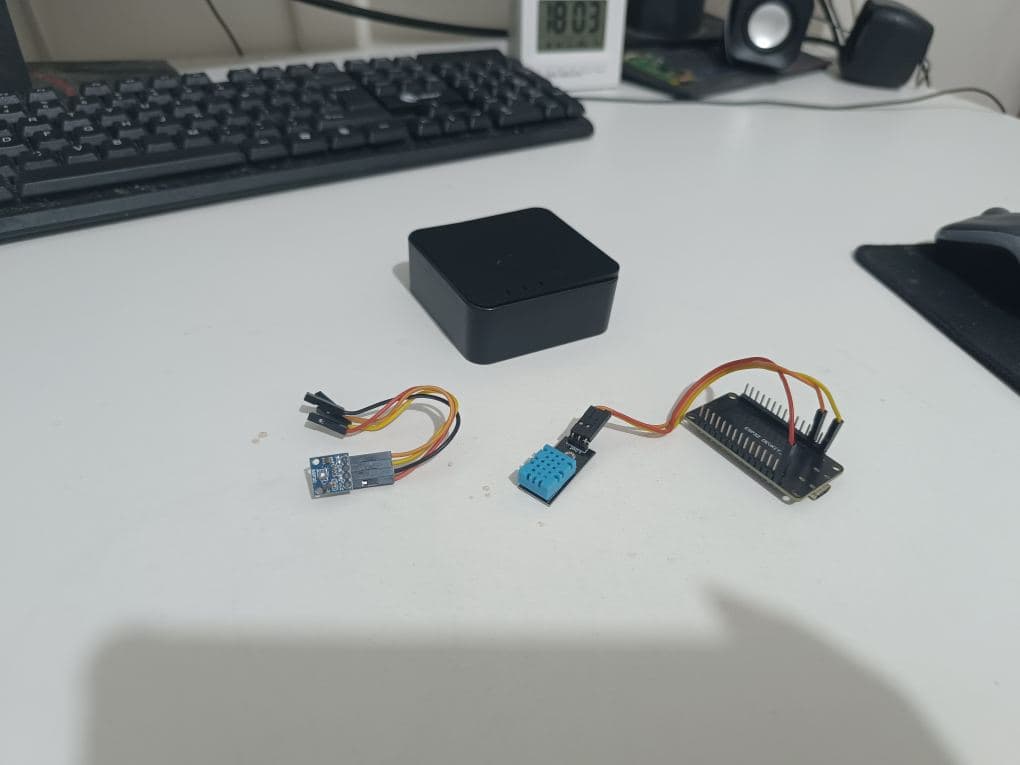
An ESP32 has multiple power sources, 3.3V and 5V, theoretically allowing at least 2 sensors to be connected.
If you add parallel DuPont wires or use a breadboard, according to AI, you can connect more than 3 sensors.
If an enclosure is only used for a single DHT11 temperature and humidity sensor, it’s a bit wasteful. For example, if I also want to add an air quality sensor, I’d have to buy another enclosure and another ESP32, place them in the same environment and location, and they would take up more space.
Therefore, the best approach is to place two sensors on the same ESP32.
Two Sensors
Please note:
The DHT11 temperature and humidity sensor I bought is labeled by the vendor as supporting 3.3V-5V, meaning it can use 5V.
However, the SGP30 only supports 3.3V; absolutely do not use 5V.
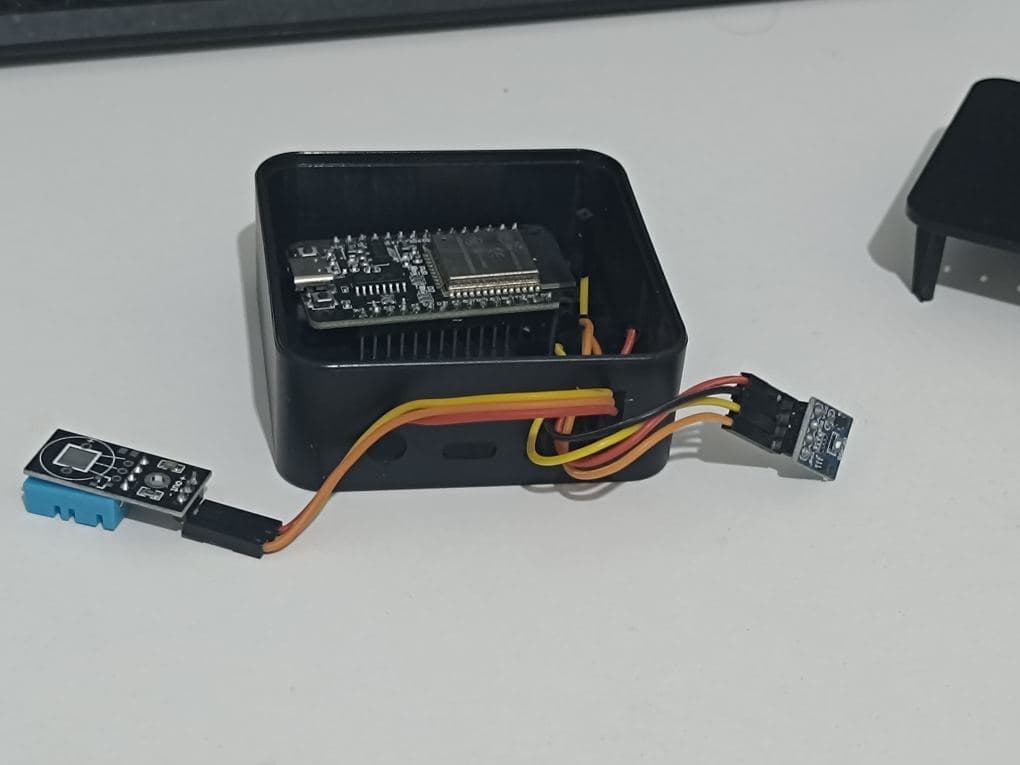
So, when connecting the DuPont wires to the pins, always remember to supply 3.3V to the SGP30 and 5V to the DHT11. Other data pins can be assigned as needed.
Refer to the code below:
esphome:
  name: esphome-web-24c734
  friendly_name: DHT11
  min_version: 2026.4.0
  name_add_mac_suffix: false

esp32:
  variant: esp32
  framework:
    type: esp-idf

# Enable logging
logger:

# Enable Home Assistant API
api:

i2c:
  sda: GPIO21
  scl: GPIO22
  scan: true
  id: bus_a

sensor:
  - platform: dht
    pin: GPIO15
    temperature:
      name: "Temperature"
    humidity:
      name: "Humidity"
    update_interval: 60s

  - platform: sgp30
    eco2:
      name: "eCO2"
    tvoc:
      name: "TVOC"
    store_baseline: true

# Allow Over-The-Air updates
ota:
- platform: esphome

wifi:
  ssid: !secret wifi_ssid
  password: !secret wifi_password
Final Product
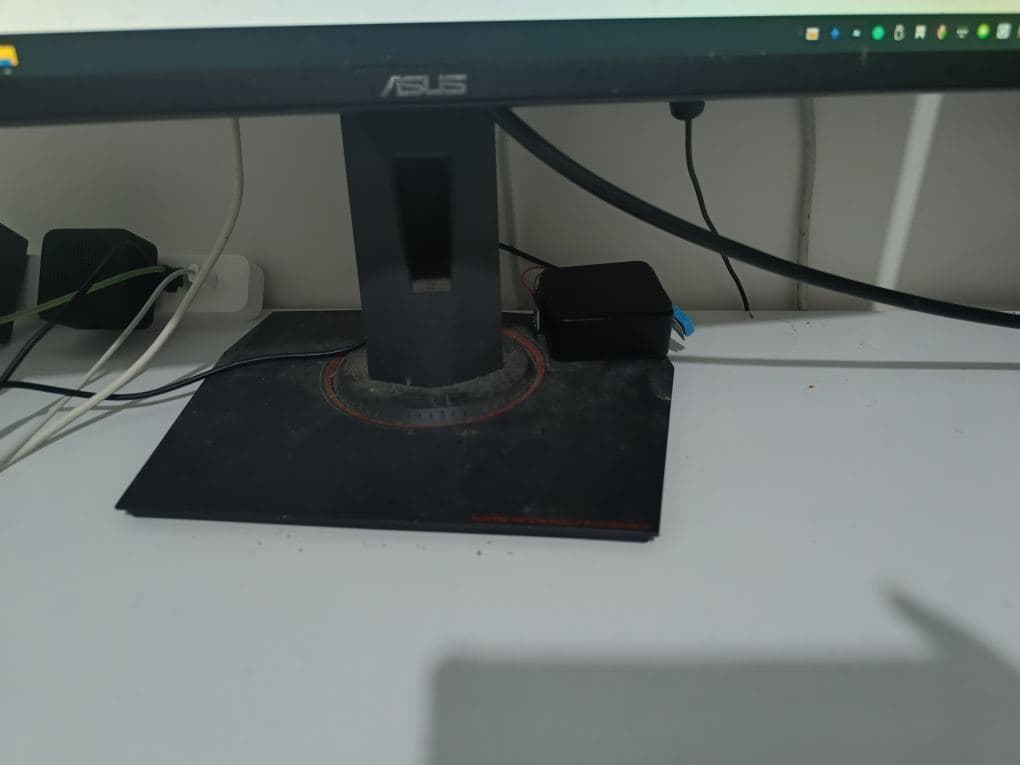
I attached the two sensors to opposite sides of the enclosure using electrical tape, then placed them under my computer on my usual desk. Generally, as long as they are not obviously touched, there won’t be any issues.
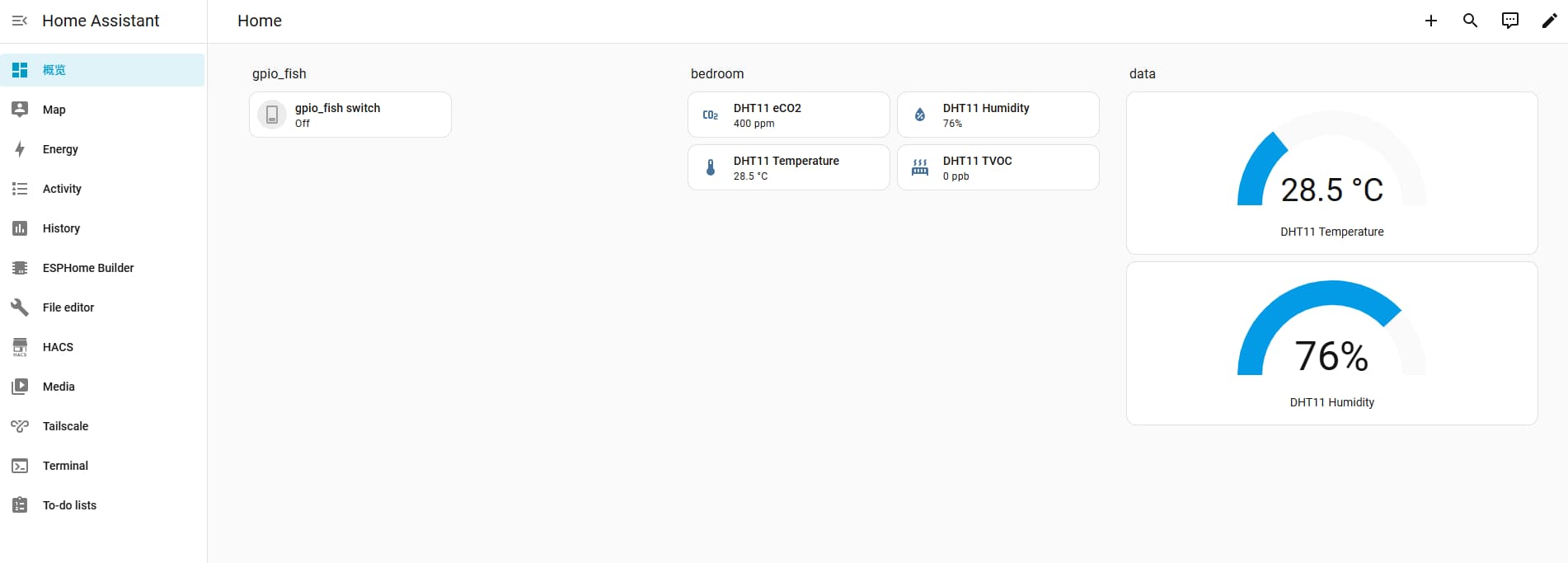
Simultaneously measuring air quality and temperature/humidity.
Tips
With this method, you can make several boxes: one for the bedroom, one for the living room, one for the kitchen, and one for the bathroom.
This way, the temperature, humidity, and air quality of each room are recorded. Just completing this makes my hard work setting up Home Assistant worthwhile.
As long as the sensors with enclosures are not intentionally moved during normal use, there should generally be no problems.