PaddleOCR
GitHub Repository: PaddleOCR
Official Introduction:
Turn any PDF or image document into structured data for your AI. A powerful, lightweight OCR toolkit that bridges the gap between images/PDFs and LLMs. Supports 100+ languages.
This article features PP-StructureV3, a component of PaddleOCR.
Download the compressed package, extract it, and launch it with a single click—it works completely offline.
Supports converting PDFs to Markdown (MD) format.
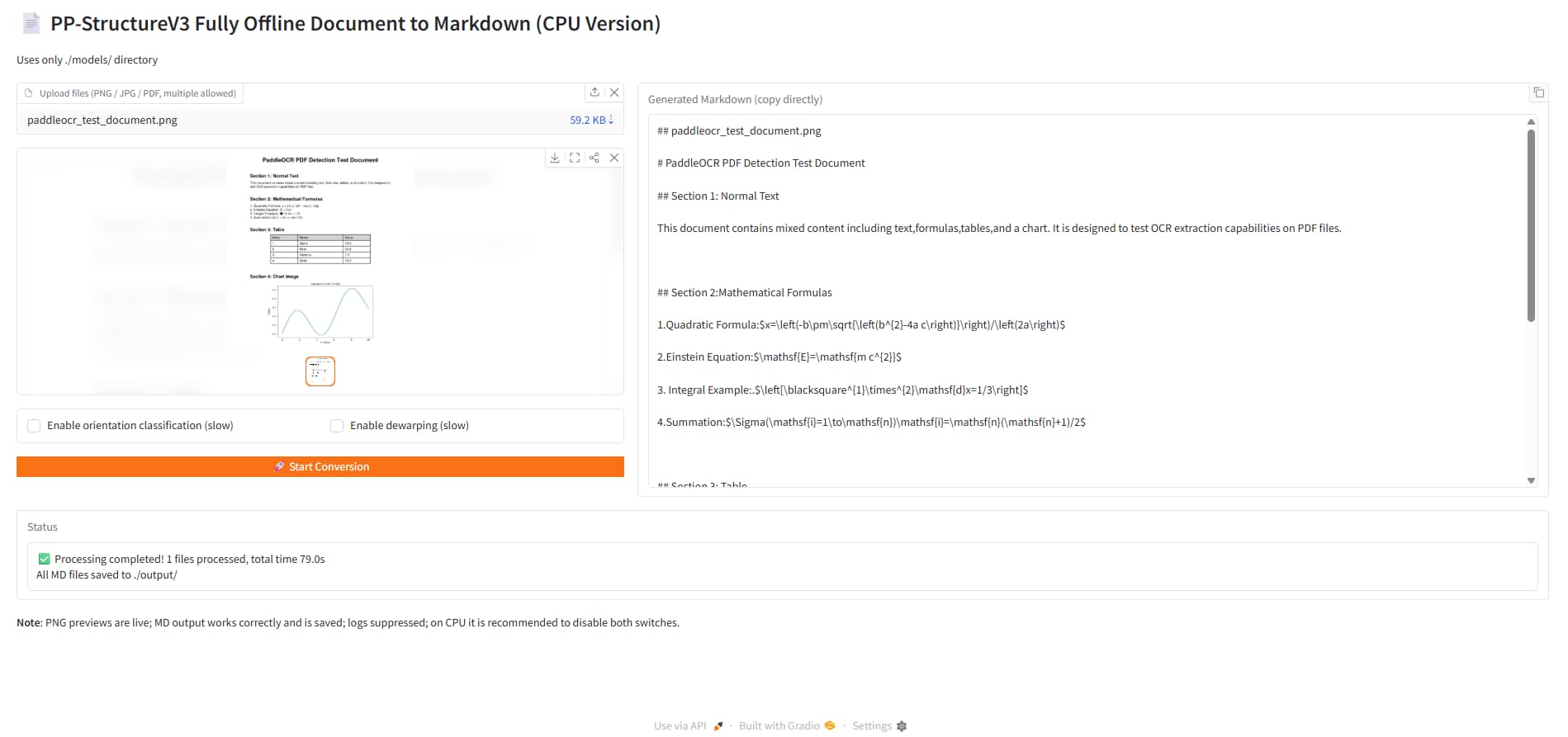
Usage Instructions
Download Link: PP-StructureV3-cpu-offline
Download the file and extract the contents.
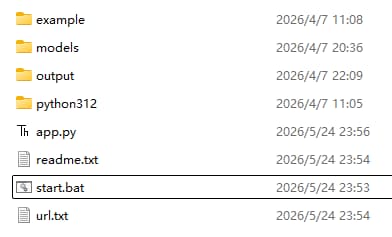
Double-click start.bat to launch the terminal window.
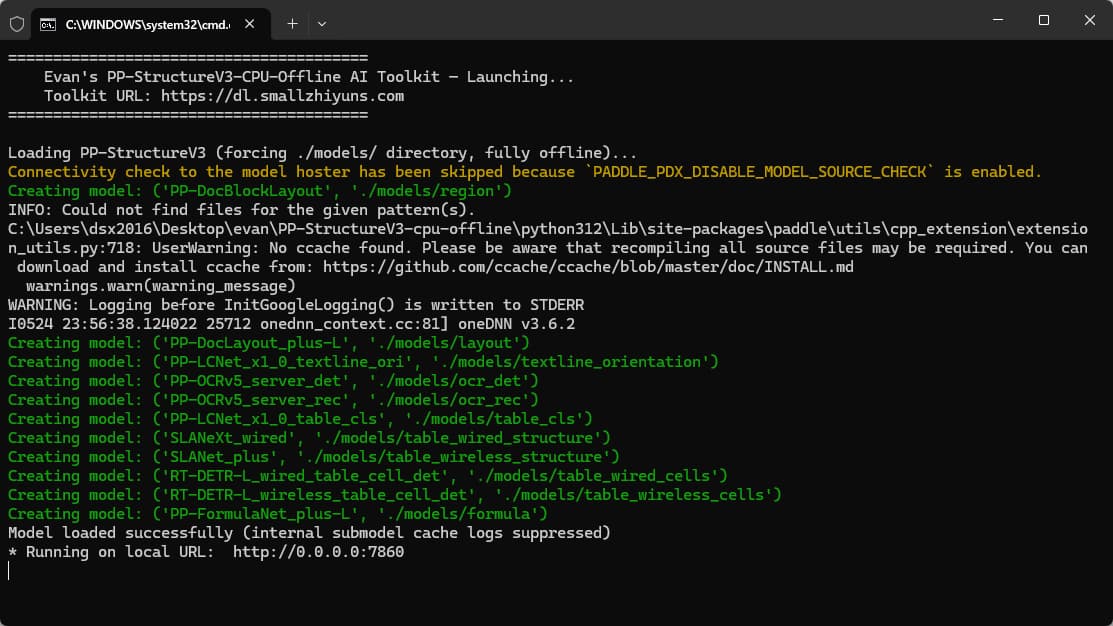
Once successfully loaded, it will automatically open the web interface in your browser at http://localhost:7860/.
Select the PDF or image file you wish to process, click “Convert,” and the recognition results will be generated.
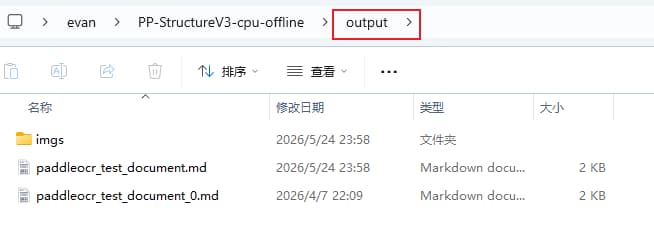
The recognition results are displayed on the right side of the webpage; you can also find them in the output directory. View in Folder
Note
I have tested this AI “Lazy Pack” (all-in-one bundle) in both an offline environment and on a clean system; it functions correctly.
My graphics card is a 3060 12GB.
When This Is Useful
This workflow is useful when a PDF needs to be converted into text or Markdown before being processed by an AI model. It is also helpful when the computer does not have a strong GPU or when the document should stay offline for privacy reasons.
The most important advantage is that the package can run locally. That makes it suitable for testing on a clean Windows system, archiving documents, or preparing source material for a local knowledge base.
Practical Notes
OCR results still need review. Complex tables, scanned images, handwriting, and low-resolution documents may require manual cleanup. For best results, I should compare the generated Markdown with the original PDF and keep the original file alongside the converted output.